Superstellar Next Generation Transformations, Abilities & Costumes
Master morph timing, fast transform, ability use, and alternate costumes like Scarabella and Aqua variants.
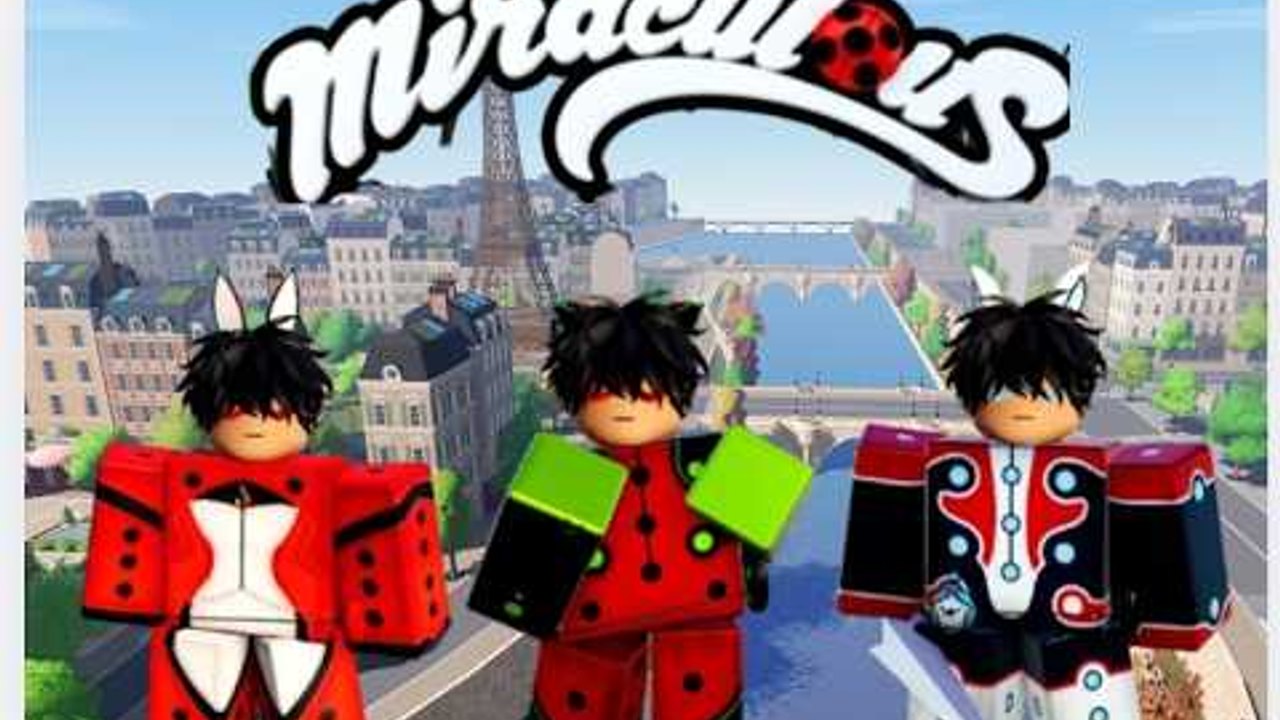
Transformations are the signature spectacle of Superstellar: Next Generation. This guide focuses on the morph itself: equipping a Magical Jewel, transforming with E, using fast transform (double-tap), firing abilities, detransforming cleanly, and understanding alternate costumes such as Scarabella and Aqua variants. Pair it with the Jewels Guide for roster context and How to Unify when you are ready for dual relics.
New players should skim Getting Started if any HUD icon still feels mysterious. Mid-article you will find a Project Superstellar Showcase video that shows how morph kits and costume swaps look in motion—use it as visual context while you practice the steps below.
Standard transform flow
- Open the jewel menu and equip a Miraculous you own.
- Press E or tap the on-screen transform button.
- Wait for the costume swap / kwami-flavored morph presentation.
- Confirm your ability controls appear or respond.
- Roleplay or fight with the kit you chose.
If nothing happens, check that you are not already transformed, that the jewel is truly equipped, and that a tutorial popup is not eating input.
Fast transform — double-tap E
Community controls consensus for Next Generation:
- Double-tap E (or double-activate the transform control) triggers fast transform.
- Use it when you need a quick remorph between RP beats or after a forced detransform.
- Practice timing in an empty plaza so you do not look spammy during serious scenes.
Fast transform does not replace unification steps; it only speeds morphing once your loadout rules are set.
Abilities after you morph
Each jewel maps to a fantasy toolkit:
- Offensive burst (Cat, Tiger, Rooster)—see Rooster Miraculous for Sublimation-style depth
- Control / disable (Bee, Snake, Monkey)
- Support / shield (Ladybug, Turtle, Heartfixer fantasy)
- Illusion / mobility (Fox, Horse, Bunny)
- Villain direction (Moth/Butterfly, Peacock)
Learn one ability at a time. In 16-player servers, readable kits beat button-mashing. For rankings of combat versus RP fun, see the tier list.
When Aqua power-ups are active on your account, expect elemental flair on Bug/Cat style kits—follow craft and ability remixes in Aqua Power-Ups, and use the jewels guide Aqua showcase for another visual angle.
Costumes and alternate identities
Scarabella — Alternate Ladybug-adjacent costume fantasy for players who want a different silhouette while staying in lucky-hero storytelling.
Aqua Bug / Aqua Cat variants — Elemental costume and ability twists tied to Aqua update content. Great for highlight clips and map-themed events; dedicated steps live in Aqua Power-Ups.
ChronoBug — Specialty morph with a puzzle unlock; costume prestige is earned, not shop-spammed. Follow How to get ChronoBug.
Heartfixer — Specialty support/story identity documented on the players hub.
Menus decide availability. If a costume is missing, check Updates and Discord rather than installing shady unlock tools (Scripts).
Detransform and renounce discipline
Clean exits matter:
- Detransform before swapping to a jewel the UI refuses mid-morph.
- Renounce when quests demand civilian status.
- Avoid transforming mid-dialogue if your lobby prefers cinematic timing.
ChronoBug’s route explicitly asks for detransform/renounce before certain room steps—muscle memory here pays off later.
Transformations inside unifications
Unified kits still begin with a primary transform. After Add Secondary Relic and Switch to Secondary Relic, the second transform completes the fuse. Full order lives on How to Unify. Fast transform remains useful for remorphing the fused identity between takes. Rooster primaries or secondaries are popular in highlight reels—read Rooster Miraculous before you fuse.
Movement, travel, and call while transformed
Recent systems patches added travel and call tools for regrouping across Paris-style districts, sewers, and new maps. You can often use them while morphed, but test after each patch—UI focus sometimes drops when ability wheels are open. If a call fails, detransform once and retry.
Filming and streaming tips
- Face the light in plaza areas for costume clarity.
- Start recordings a second before pressing E to catch the full morph.
- Name your jewel in chat for accessibility.
- Credit Stellar Secrets and link the official place.
- Compare your footage with the Project Superstellar Showcase mid-article for costume timing cues.
Common transform problems
| Symptom | Likely fix |
|---|---|
| E does nothing | Equip jewel; close chat; click game window |
| Fast transform inconsistent | Slow the double-tap slightly; avoid high ping spikes |
| Ability dead | Confirm morph finished; rejoin server |
| Wrong costume | Unequip/re-equip; check Aqua or alternate toggles |
| Cannot equip new jewel | Renounce current Miraculous first |
Practice routine (ten minutes)
- Equip Ladybug → transform → ability → detransform.
- Equip Cat → fast transform drill ×5.
- Swap to a utility jewel (Turtle or Fox) and practice a support scene.
- If you own Unifications, run one fuse cycle.
- Screenshot your favorite costume for Discord.
- If you unlocked Aqua or Rooster, run one morph cycle with each kit.
Related reading
Transformations are how Superstellar tells Miraculous stories in motion. Nail the timing, respect the renounce rules, and your costumes will feel earned every time you hit E.
Frequently Asked Questions
Quick answers to the most common questions.
How do I fast transform?
Double-tap E or double-activate the on-screen transform button after you are comfortable with a normal morph.
What is Scarabella?
An alternate Ladybug-adjacent costume fantasy. Availability depends on live unlock or menu options—check in-game after updates.
Do Aqua variants change controls?
They remix elemental flair on familiar Bug/Cat style kits. Learn the base transform first, then test Aqua abilities when you own them.
Why do I need to renounce?
Some quests and specialty routes require a civilian state. Renounce also clears morph locks before swapping jewels.
Can I transform while using travel or call?
Often yes, but if UI focus breaks, detransform once and retry. Retest after major patches.