Getting Started in Superstellar Next Generation
Your first hour—from joining the place to transforming with a Magical Jewel and finding the right hubs.
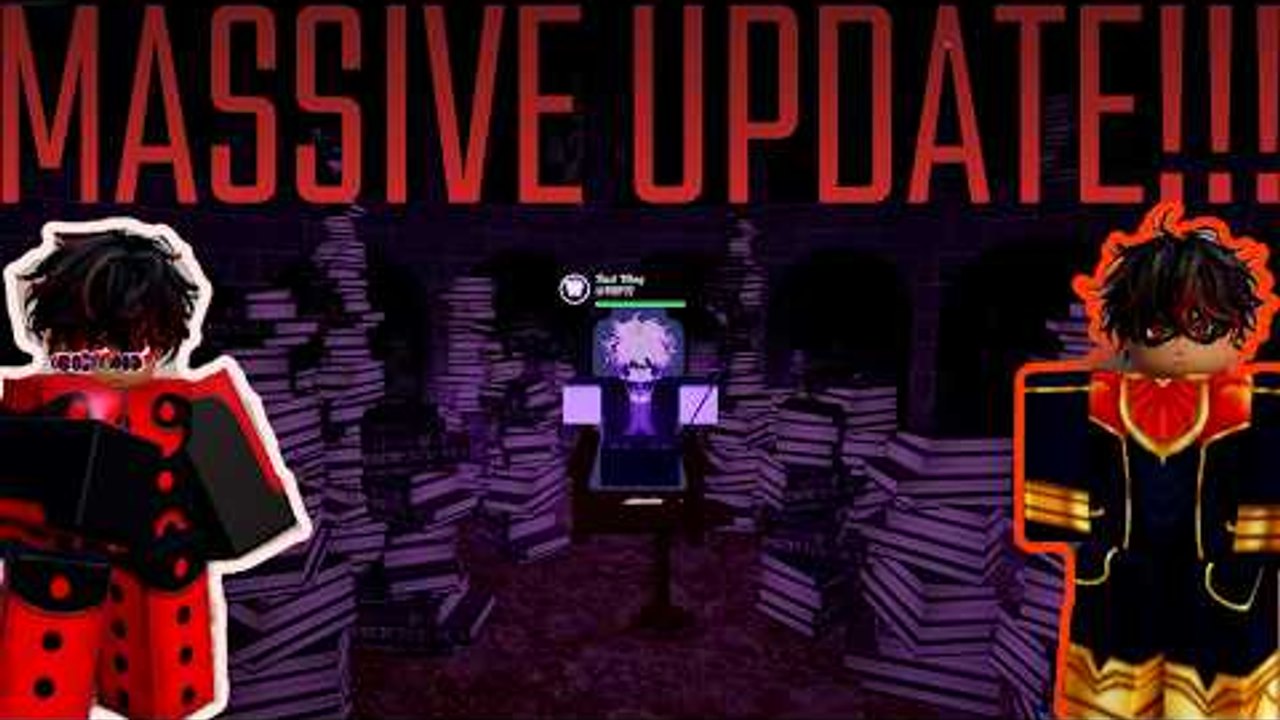
Superstellar: Next Generation throws you into a Magical Jewel Morph Roleplay sandbox on Roblox. This day-one guide covers joining the correct place, reading the HUD, equipping a first Miraculous, transforming (including fast transform), finding Discord and codes the safe way, and choosing your next wiki page. No filler grinds—just the loop that makes the game click.
Verified basics: free-to-play experience by Stellar Secrets, Place ID 115672909479646, server size 16, successor to Project Superstellar. Genre tag sits in Roleplay & Avatar Sim / Morph Roleplay with the playful pitch about a magical journey into a jewel simulator.
Step 1 — Join the real experience
- Open the official place from our Official Links page or Roblox search for Superstellar Next Generation by Stellar Secrets.
- Use the Roblox game page so you avoid impostor copies.
- Wait for the load into a public server (up to 16 players).
- Complete any tutorial prompts or soft onboarding popups before ignoring UI buttons.
If friends cannot see you, confirm you are on Next Generation—not a leftover Project Superstellar server.
Step 2 — Read the HUD before you sprint
Typical Morph RP HUDs surface:
- Jewel / Miraculous inventory or equip menu
- Transform button (also bound to E in community controls talk)
- Settings / codes / shop / game pass entries
- Map, travel, or call tools after major updates
- Emote and roleplay helpers
Walk in a circle, open each button once, then close it. Knowing where Codes lives saves panic when Discord drops a string later (Codes Hub).
Step 3 — Equip your first Magical Jewel
Open the jewel menu and equip an accessible starter Miraculous—Ladybug or Cat are the most readable for new roleplayers. Full obtain paths (shop, passes, quests, specials) live in the Jewels Guide. Do not spend Robux on every pass during hour one; learn feel first, then consult the tier list.
Kwamis flavor the transform fantasy. You are not raising a separate pet—you are preparing a morph.
Step 4 — Transform and fast transform
- Press E or the on-screen transform control to morph with your equipped jewel.
- For fast transform, double-tap E (or double-activate the transform button) once you are comfortable.
- Try an ability key after the costume appears so you know your kit’s first tool.
- Detransform / renounce when menus ask you to clear a jewel—required later for routes like ChronoBug.
Deeper ability and costume notes (Scarabella, Aqua variants) sit in Transformations. The overview video on this page shows how Miraculous morphs look in motion.
Step 5 — Explore without getting lost
Early exploration goals:
- Learn the Paris-style plaza and street silhouettes
- Note sewer / lair entrances if your build already includes Lila’s spaces
- Test travel/call once if those systems are unlocked in your version
- Watch how other players stage hero patrols vs villain events (Players hub)
You do not need every map on day one. Screenshot landmarks for your Discord friends.
Step 6 — Discord, codes, and socials
Join Discord for announcements. Codes are scarce on public SEO lists as of November 2026—we do not invent fake working codes. Learn redemption steps on the Codes Hub, then redeem only strings you personally see from trusted channels.
Mute scam DMs. Nobody needs your password to “unlock Ladybug.”
Step 7 — Plan your next unlocks
| Goal | Next page |
|---|---|
| Dual Miraculous kits | How to Unify (needs Unifications Game Pass) |
| Collect every jewel | Jewels Guide |
| Polish morph tech | Transformations |
| Prestige specialty | ChronoBug |
| Aqua elemental variants | Aqua Power-Ups |
| Rooster S-tier kit | Rooster Miraculous |
| Villain lair staging | Lila’s Lair |
| Power opinions | Tier List |
| Patch awareness | Updates |
| Tooling curiosity | Scripts (safety / ToS warnings only) |
Day-one mistakes to skip
- Buying every game pass before testing free kits
- Trusting “100 working codes” blogs
- Installing executors for “auto ChronoBug” (Scripts explains the risk)
- Ignoring renounce prompts during puzzle content
- Griefing roleplay scenes in a 16-player lobby—you will see those players again
First-session checklist
- Joined official place
- Opened jewel menu and equipped a starter
- Transformed with E; tried double-tap fast transform
- Used one ability
- Found Codes/Settings panel
- Joined Discord
- Bookmarked this wiki’s Guides Hub
- Picked a second goal from the table above
Why Next Generation feels different from generic simulators
The core loop is social magical fantasy—not AFK clicking. Visits and concurrent counts show a lively RP crowd, but your fun scales with costume confidence and scene etiquette more than raw currency graphs. Treat Magical Jewels as storytelling tools first, combat toys second, and paid passes as optional ceilings.
When hour one ends, you should know how to morph, where Discord lives, and which guide unlocks your personal obsession. Transform again, call a friend into your district, and make the Paris night yours.
Frequently Asked Questions
Quick answers to the most common questions.
What key transforms me?
Use E or the on-screen transform button. Double-tap E for fast transform once you are comfortable with the timing.
Which jewel should I equip first?
Ladybug or Cat for clear hero fantasy and easy party recognition. Expand with the jewels guide and tier list after you learn the HUD.
Where do I redeem codes on day one?
Find the Codes/Rewards/Settings style panel in the HUD, then only redeem strings from official Discord. See the Codes Hub—we do not list invented codes.
Do I need the Unifications Game Pass immediately?
No. Master single-jewel transforms first. Buy Unifications when you are ready for the dual-relic flow in the How to Unify guide.
Is this the same as Project Superstellar?
Next Generation is the successor place with updated systems and maps. Relearn menus here instead of assuming old tutorials still match.